



















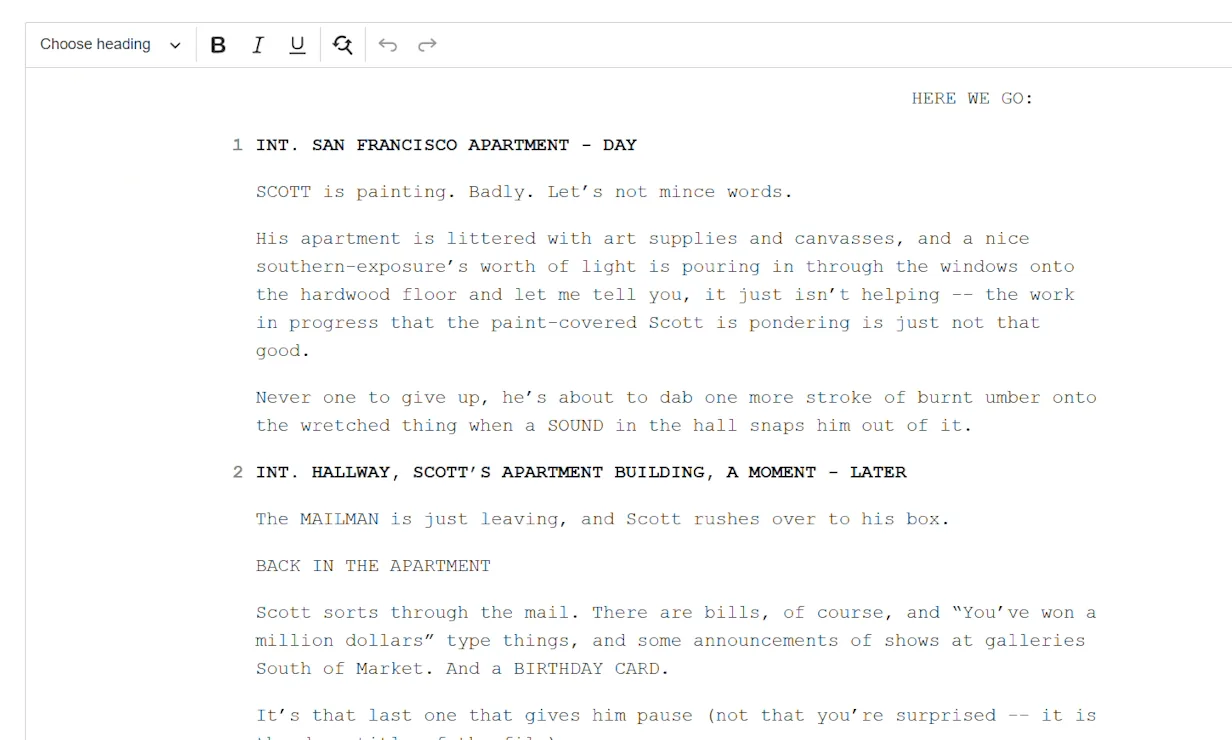
Skip weeks of pre-production. Upload your script and get a complete storyboard, shot list, screenplay, and animatic — powered by the best AI models available.
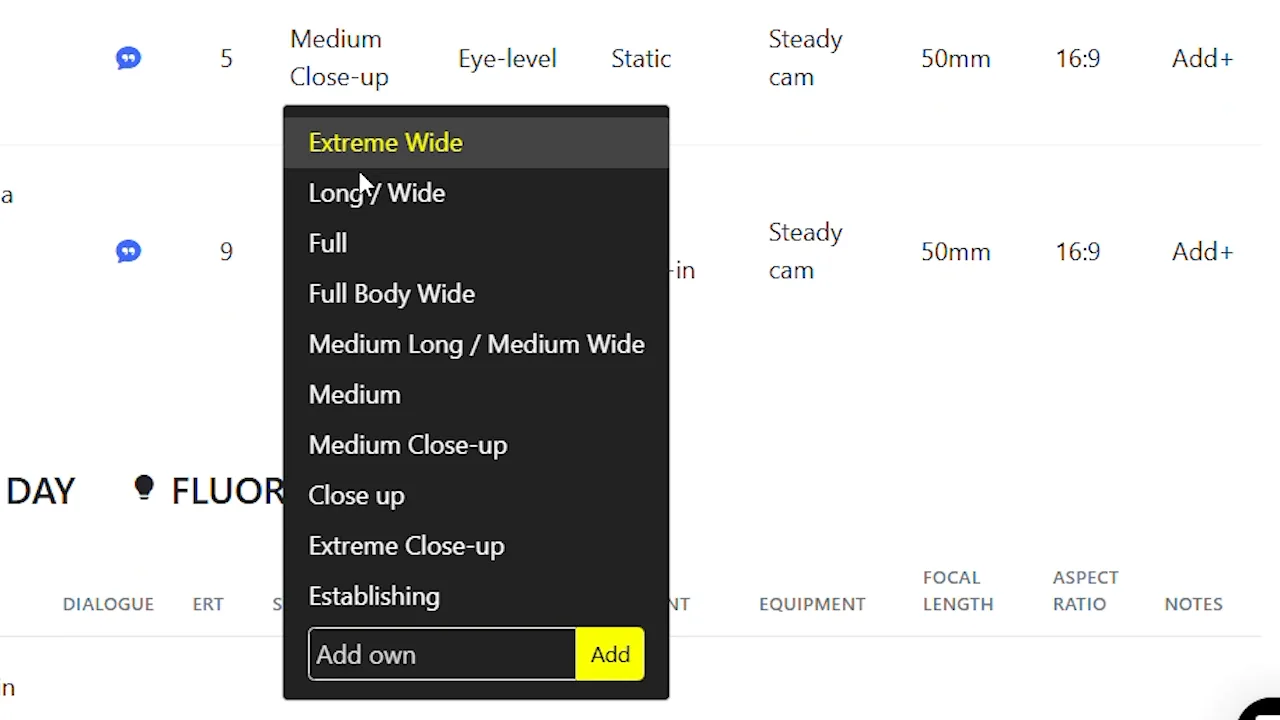
Take full control of your storyboard compositions. Set precise camera angles — from bird's eye to low angle, dutch tilt to over-the-shoulder — and get cinematic results that match your director's vision exactly.
Try It Now →From script upload to final animatic — see every step of the process.
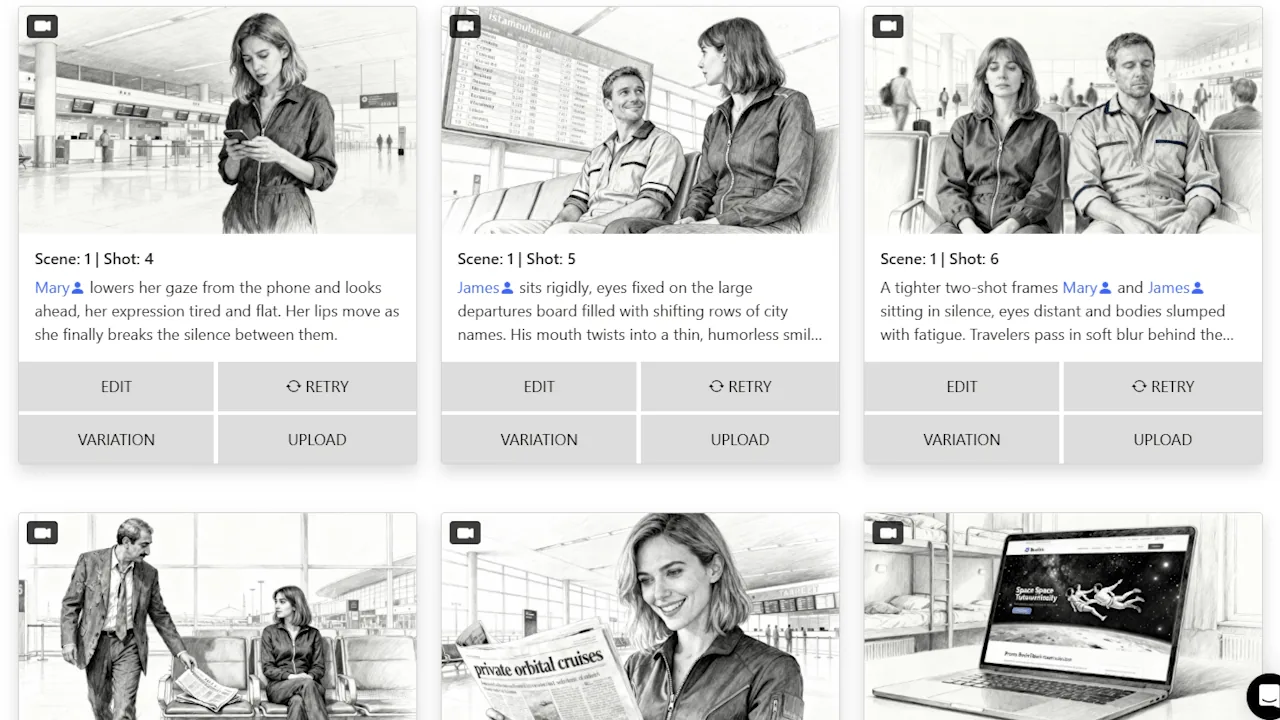
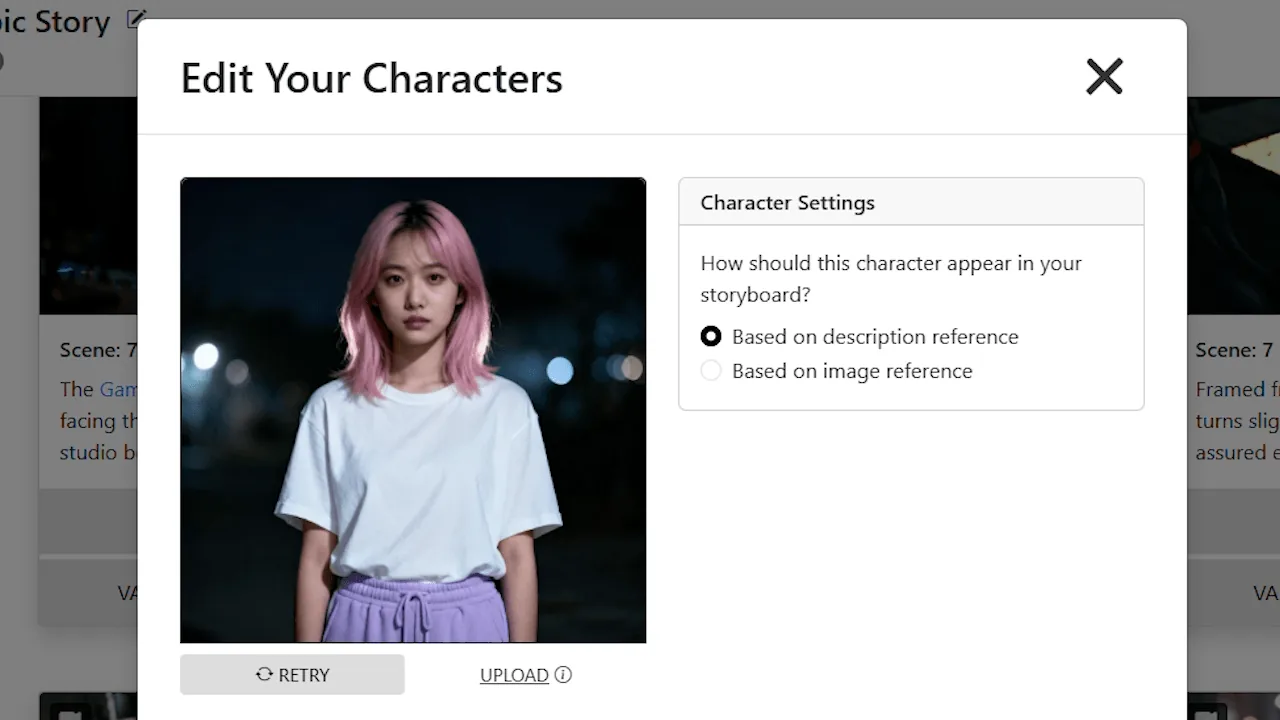


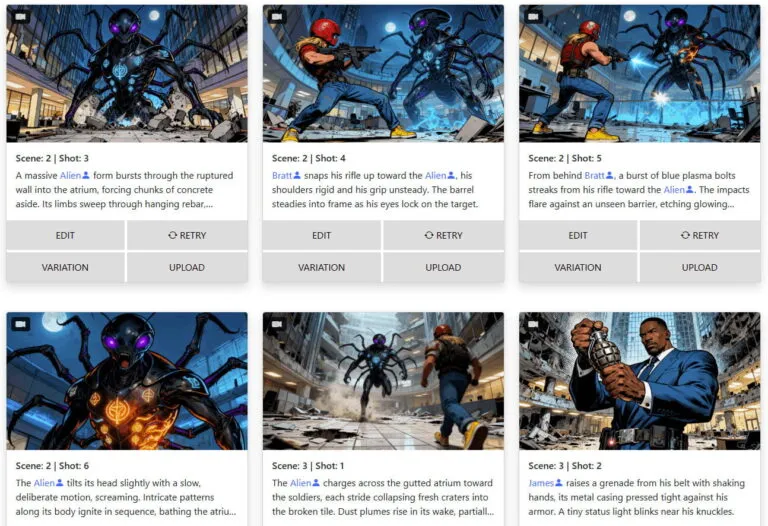
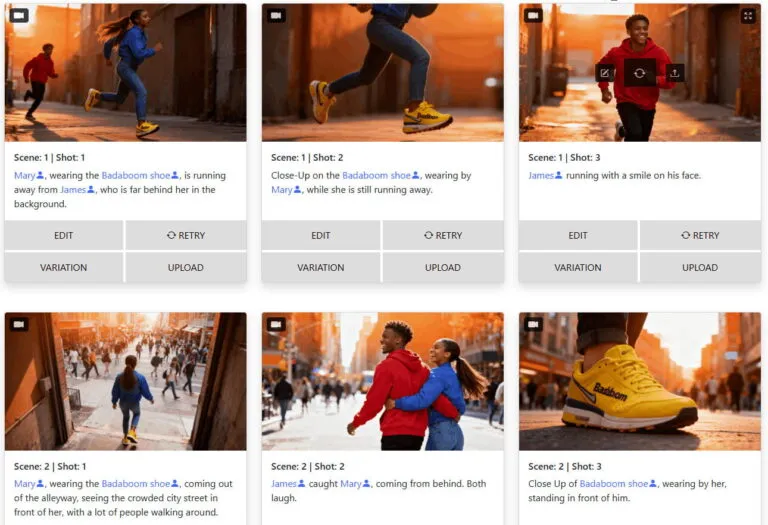
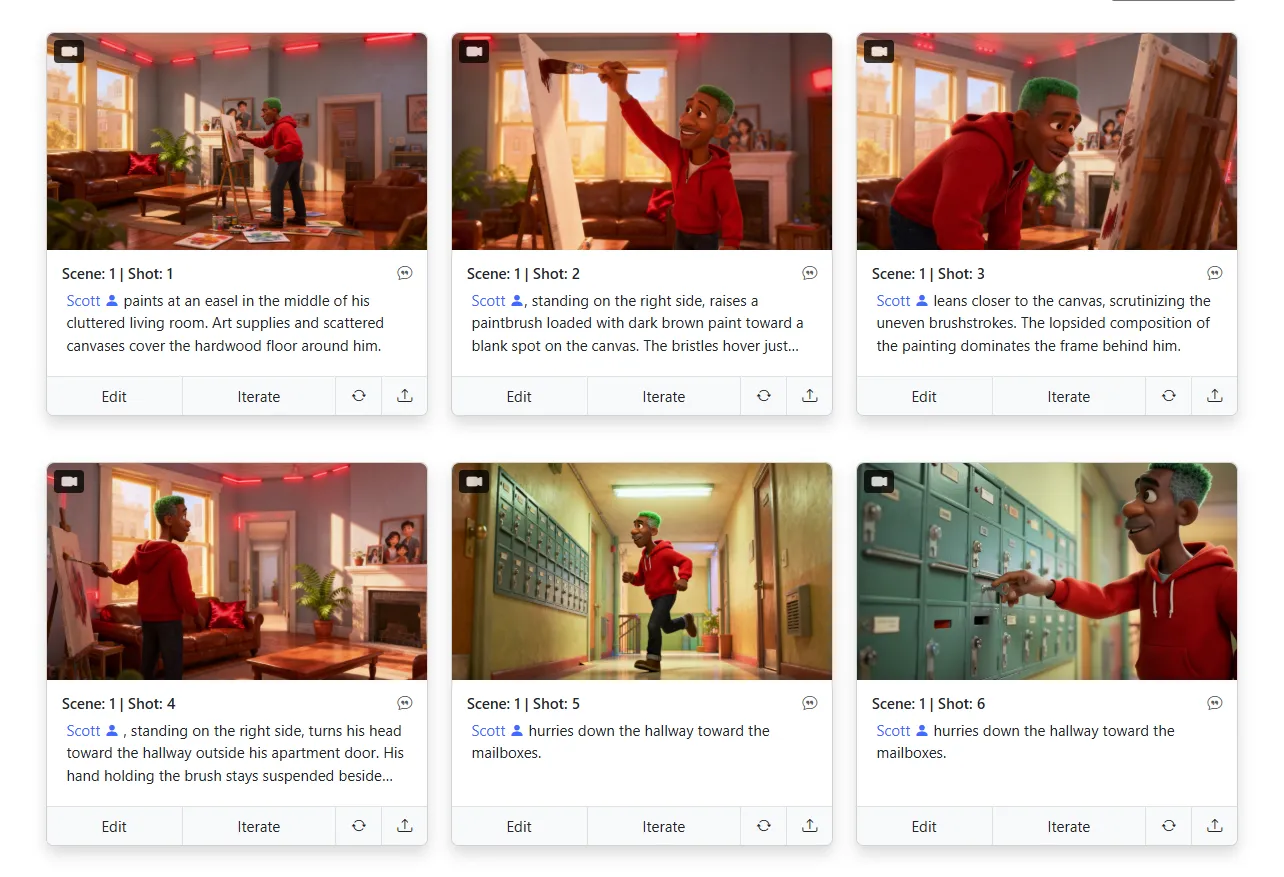
Your characters look the same from shot to shot. Your locations stay recognizable across every scene. Our AI locks in visual consistency — so your storyboard reads like one cohesive story, not a patchwork of random images.

Upload your script or describe your concept — and get a complete shot list, full storyboard, and animatic generated automatically. One input, every deliverable your production needs.


Find the exact camera position for any shot — without reshooting. Based on a single storyboard image, our 3D camera tool lets you orbit, pan, and reframe the scene until you land on the perfect angle.

Regenerate, refine, and rework your storyboard images as many times as you want. There are no credits to run out of and no per-image fees. Your creativity should never be limited by a counter.

Turn your storyboard into a polished pitch deck instantly. Choose from multiple professional designs and export a presentation-ready deck — perfect for pitching to studios, investors, or clients.
Real storyboards generated by our users. From feature films to commercials, the quality speaks for itself.
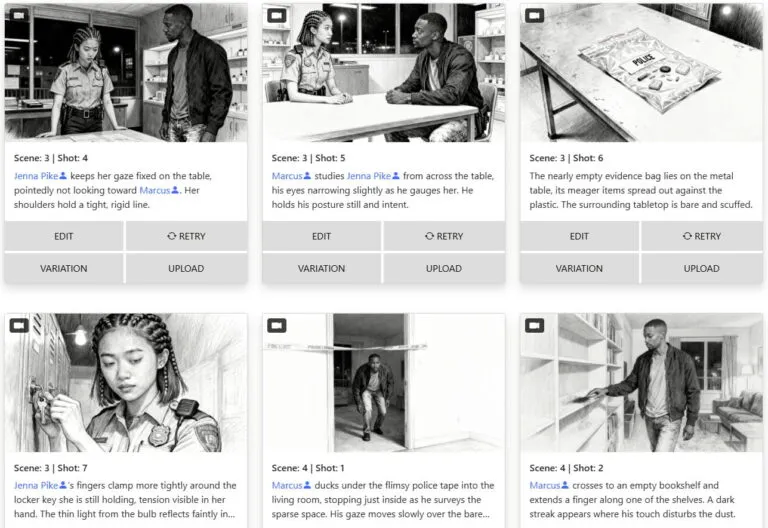
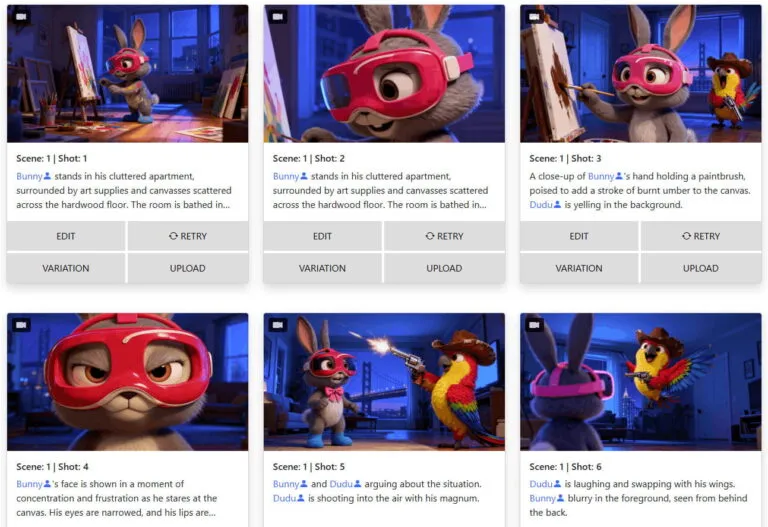

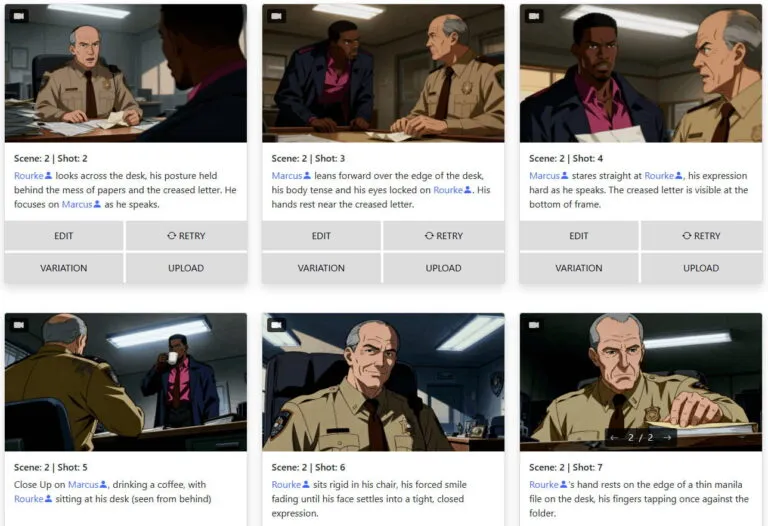
Everything you need to know about storyboarder.ai — in under two minutes.
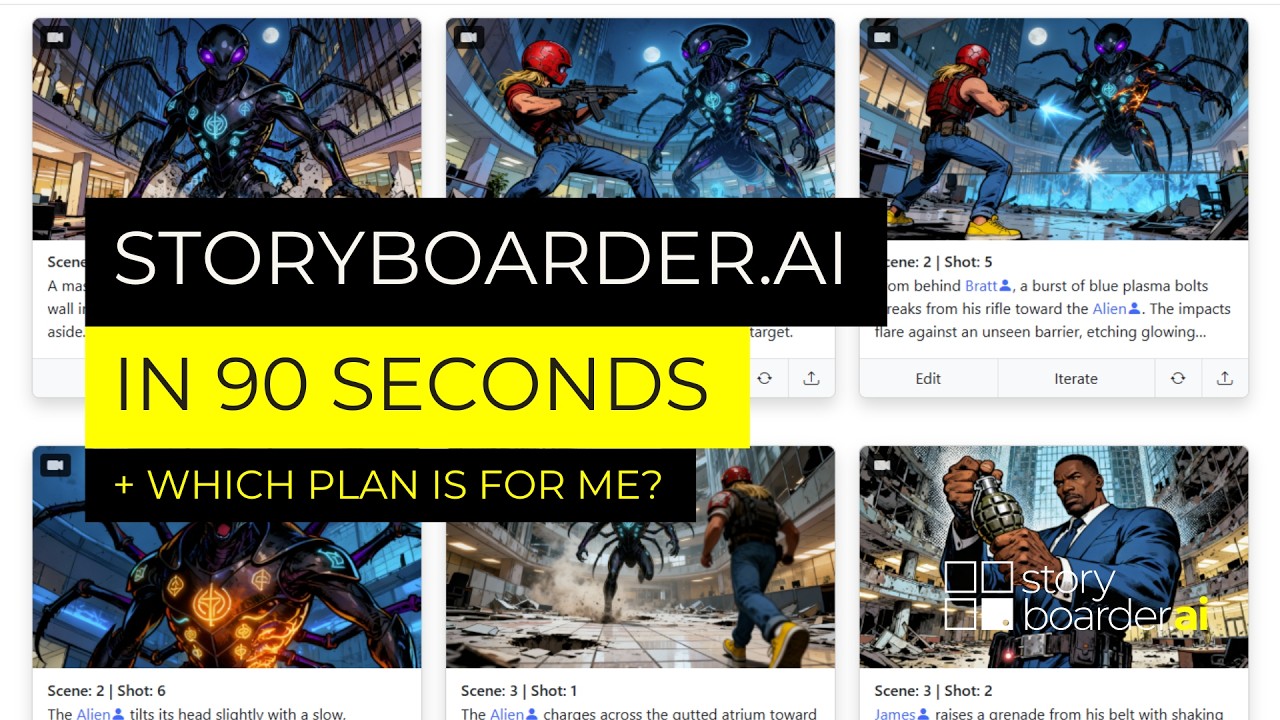
Video: Storyboarder.ai in 90 seconds — also available on the Help Center
Built by filmmakers, for filmmakers. Every tool designed for real production workflows.
Transform your static storyboard frames into dynamic, cinematic animatics with AI-driven motion, camera movement, and audio. Industry-leading video quality for pitches, previs, and client presentations.
Hover to see more →Maintain recognizable characters, locations, and props across every frame — the most consistent AI on the market.
 Hover to see more →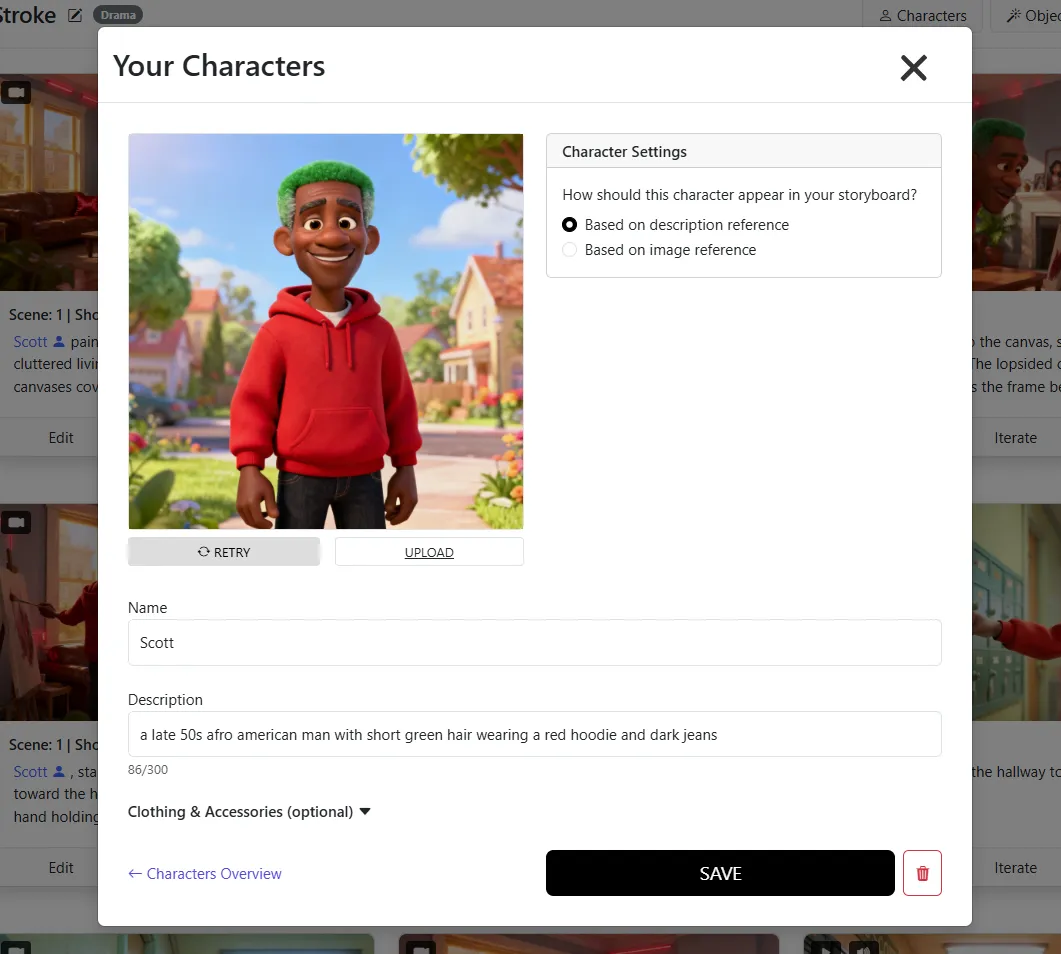
Upload your napkin sketches and let AI refine them into polished storyboard panels — your creative vision, elevated.
Hover to see more →
Upload any reference image as your style guide. Comic, photoreal, anime — or your own proprietary look.
Hover to see more →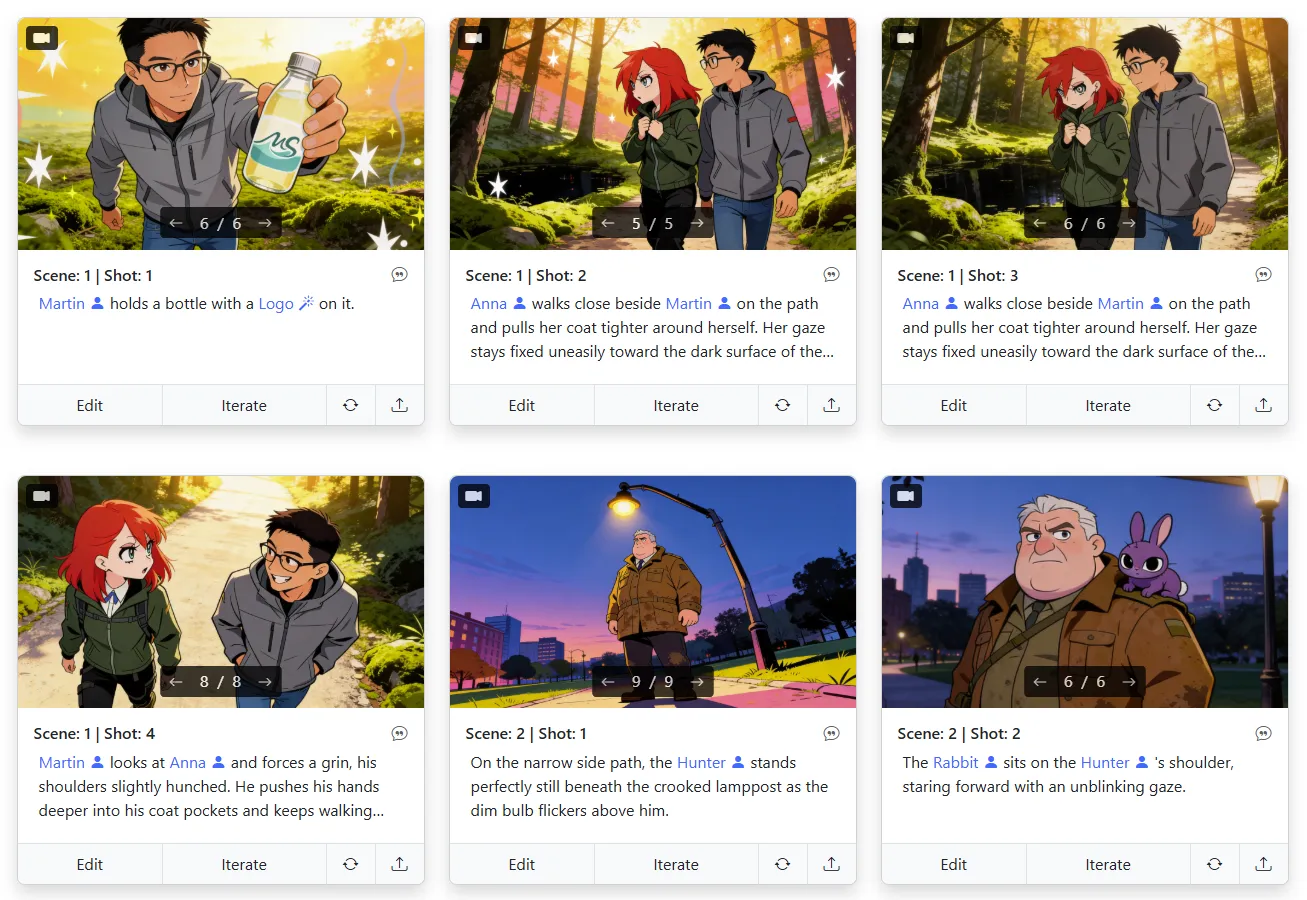
No credit system. No pay-per-image. Every plan includes unlimited image generation — iterate freely.
Hover to see more →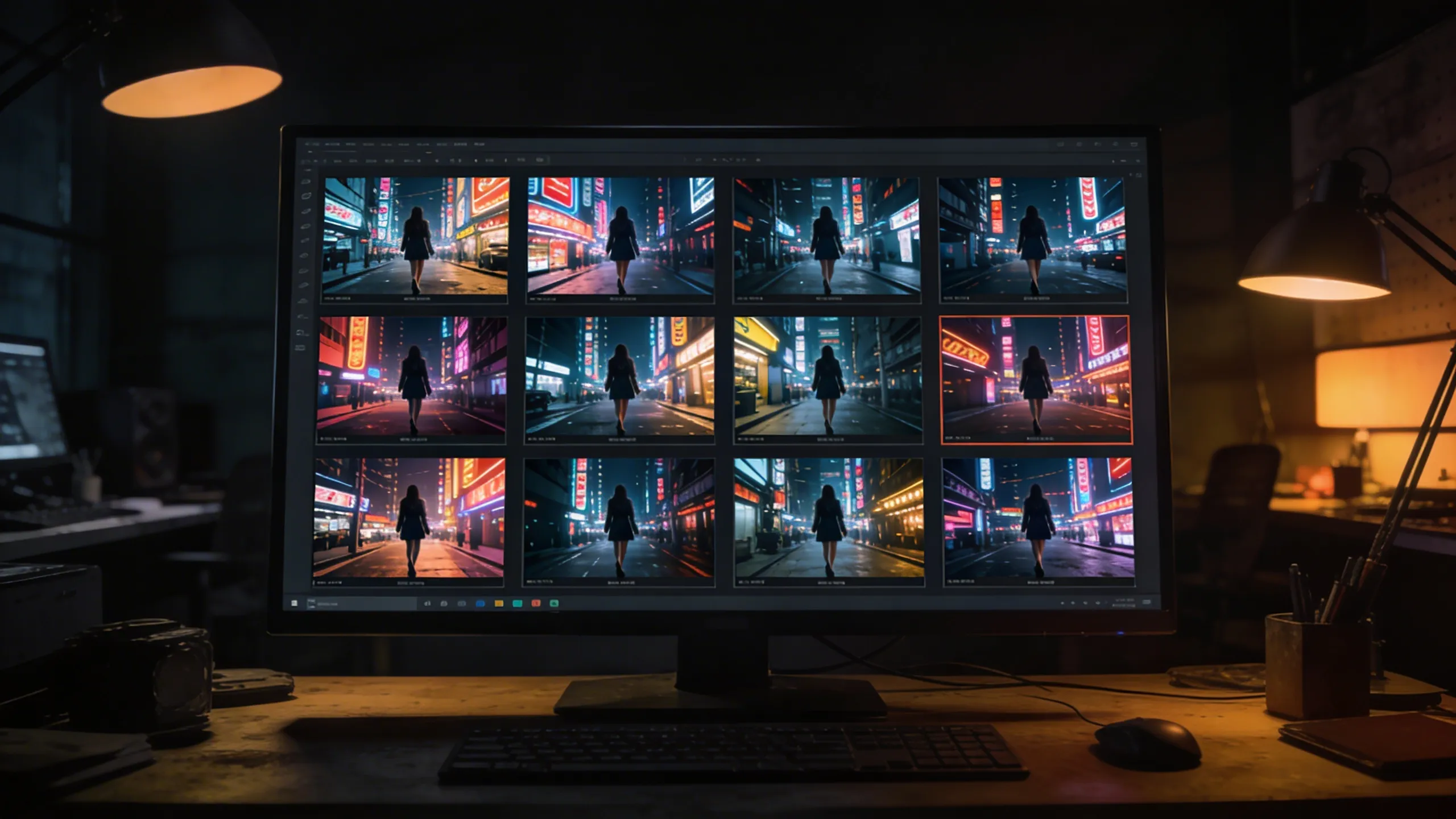
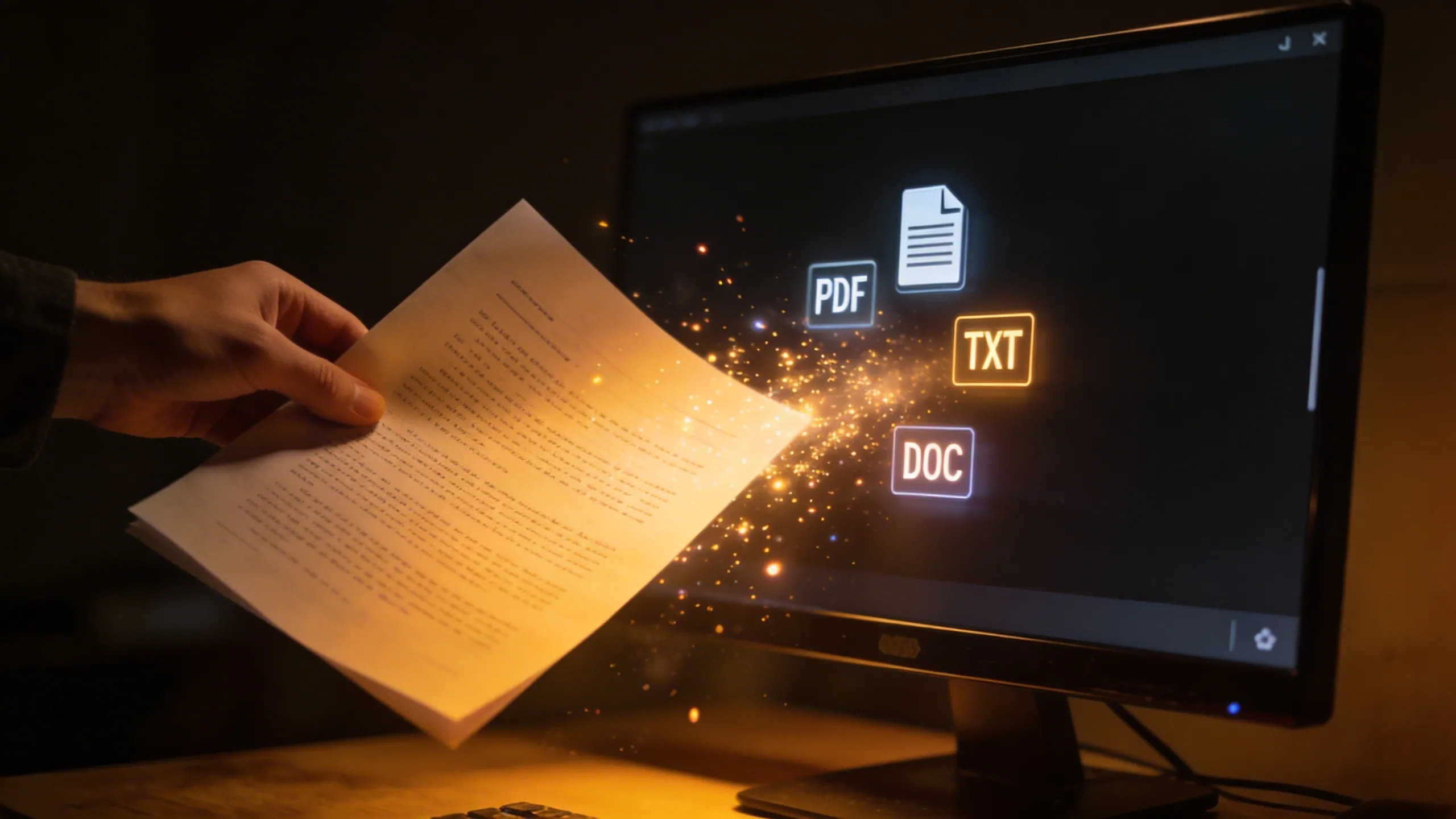
PDF, FDX, Fountain, Word, plain text — any script format works. Or just type your idea and go.
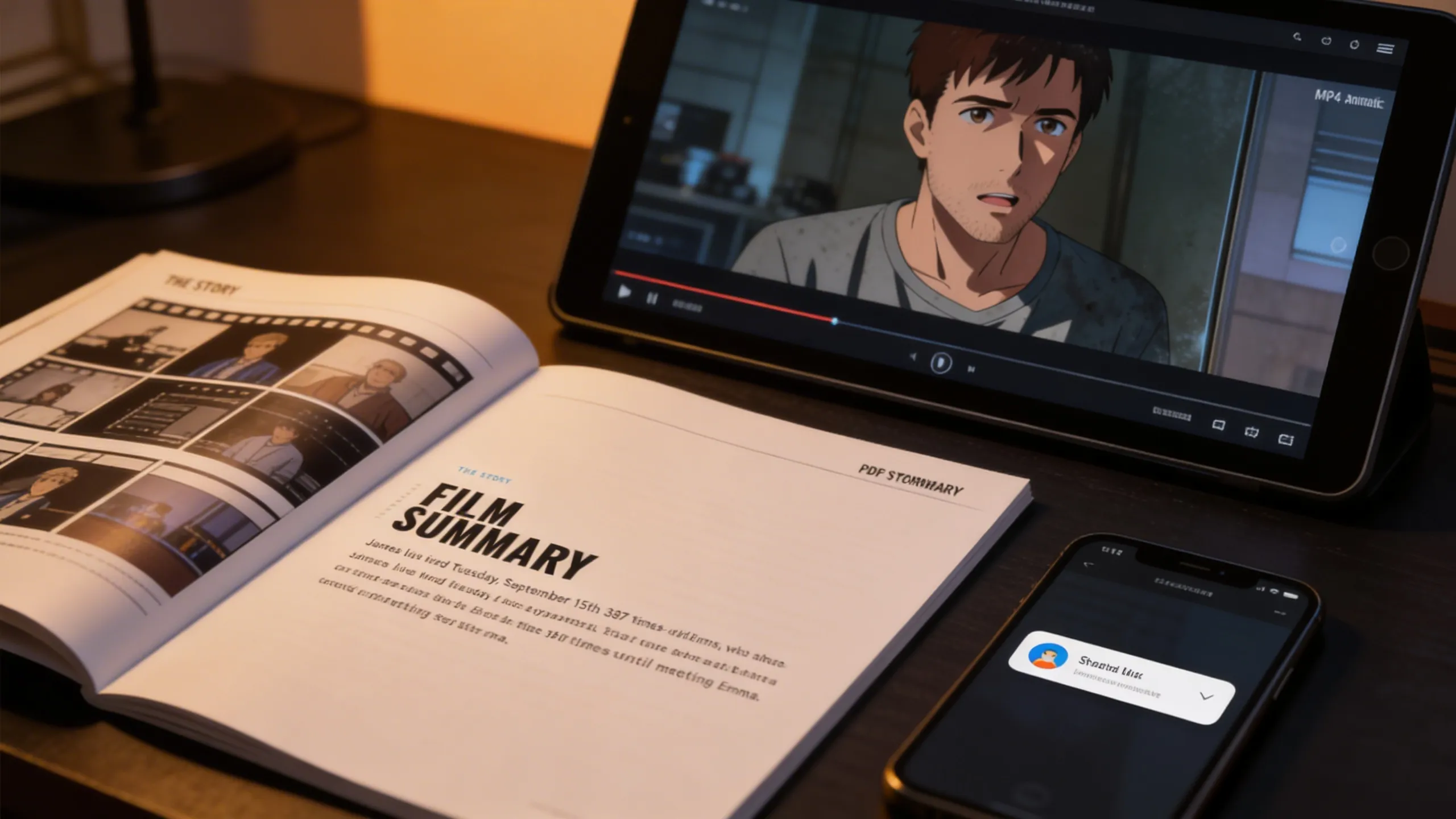
Export shot lists and storyboards as PDF, or generate MP4 animatics. Share directly with your crew and clients.
Whether you're shooting a feature film or a 30-second commercial, Storyboarder.ai adapts to your workflow.
Handle scripts of any length. Maintain consistent characters across hundreds of scenes. Present your vision to investors and crew with professional storyboards.
Pitch advertising concepts visually in minutes. Align with clients before a single frame is shot. Speed up approval cycles and reduce costly revisions on set.
Pre-visualize animated scenes, character motion, and shot flow before committing to production. Lock in art style and staging visually. Cut down on expensive rework by nailing the story first.
Perfect for indie filmmakers and film school students. Get a complete visual blueprint for your short without needing a professional storyboard artist.
Plan internal communications, training videos, and brand content. Keep stakeholders aligned with visual storytelling before production begins.
Visualize interview setups, B-roll concepts, and documentary sequences. Create reference boards that guide your crew through complex multi-location shoots.
"Storyboarder.ai has been transformative to my workflow — it makes the brainstorming for new projects really smooth and quick. It helped me speed up my pre-production workflow so I can focus more on the finer details of storytelling rather than on admin. I can thoroughly recommend the platform!"

"The platform has tons of user-friendly options, great attention to detail, and amazing customer service that makes everything easy and enjoyable."

"The AI generation is definitely better than other apps I've tried — more accurate and higher quality results. The shot list feature is fantastic for organizing everything."

"I really like that it's super intuitive and doesn't require much tech know-how. It makes the whole process feel seamless, allowing you to focus on what's most important — storytelling."

"The shotlist generator has been a big time-saver! I'm terrible at drawing. Using storyboarder.ai to take my script and generate a shotlist made it a very easy process."

"The ability to modify every single image is a huge time-saver. I can update the project according to client requests without having to start from scratch every time."

"The 3D camera angle feature is a game-changer. I can finally match the exact framing I have in my head — low angles, dutch tilts, over-the-shoulder — without sketching it out by hand. It's like having a virtual camera on set during pre-production."

"What I love most about Storyboarder.ai is its efficiency in generating storyboards and helping me organize my creative ideas seamlessly. It's become an indispensable tool for brainstorming and refining my projects, saving me time and helping me stay focused on the creative vision."

This public link is valid for 7 days and shares a thread, including any personal information you added. This link or copies made by others cannot be deleted. If you share with third parties, their policies apply. Can’t copy the link right now. Try again later.
A: No, the patch does not modify any system files or hardware components, ensuring that your warranty remains valid.
Understanding Bitsum Optimizers Patch: Enhance Your PC Performance
If you desire, you can also download ParkControl to manually adjust core parking and frequency scaling for better responsiveness. bitsum optimizers patch
provides a suite of sophisticated, real-time automation tools designed to tame CPU-hungry processes and keep your system responsive. From the legendary Process Lasso to specialized tools like ParkControl
Bitsum Optimizers Patch is an unofficial community toolset (a “patch” or collection of tweaks) used to modify, extend, or optimize Bitsum software products (most commonly Process Lasso and other Bitsum utilities) beyond their default behavior. This tutorial explains what such patches typically do, how they’re applied, risks involved, and practical tips for safe, effective use.
: A specific mode in Process Lasso that automatically engages the "Highest Performance" plan and tunes ProBalance for gaming the moment a game is launched. Legality and Safety This public link is valid for 7 days
In the world of PC performance tuning, few names carry as much weight as Bitsum. Their flagship product, , is the gold standard for process optimization, CPU affinity management, and keeping your Windows system responsive under load. Similarly, ParkControl allows users to tweak core parking settings, and CPU Sets offers granular control.
| | License | Key Features | | :--- | :--- | :--- | | OptimizerDuck | Open Source (Free) | Over 35 optimizations across performance, privacy, GPU tuning, disk cleanup, and bloatware removal; includes one-click revert and works entirely offline. | | PCSuite | Open Source (Free) | A modular PC cleaner and optimizer suite that includes cleaning Windows temp files, startup and service management, and security tools, with both CLI and TUI interfaces. | | WinMemoryCleaner | Open Source (Free) | A simple, smart Windows memory cleaner that frees up RAM using native system APIs. | | WindowsOptimizer | Open Source (Free) | A PowerShell GUI tool that allows users to apply curated system tweaks and install popular apps with one-click. |
If you are interested, I can provide details on , explain the difference between the free and pro versions , or guide you through Windows native performance tweaks . Let me know how you would like to proceed! Share public link Can’t copy the link right now
: Automatically trim process working sets when memory usage hits a specific threshold (e.g., 70%), which is helpful for systems with limited RAM. Is It Safe to Use a "Patch"?
Often, searches for a "patch" or "crack" point toward unauthorized third-party tools designed to bypass the licensing system of Process Lasso Pro. While unlocking premium features for free sounds appealing, using unauthorized patches carries severe risks. The Hidden Risks of Third-Party Cracks and Patches
Real-time unparking, Dynamic Boost for active systems, and power plan notifications. Lightweight ProBalance







Join 250,000+ filmmakers, agencies, and creators who've already transformed their pre-production workflow with Storyboarder.ai.