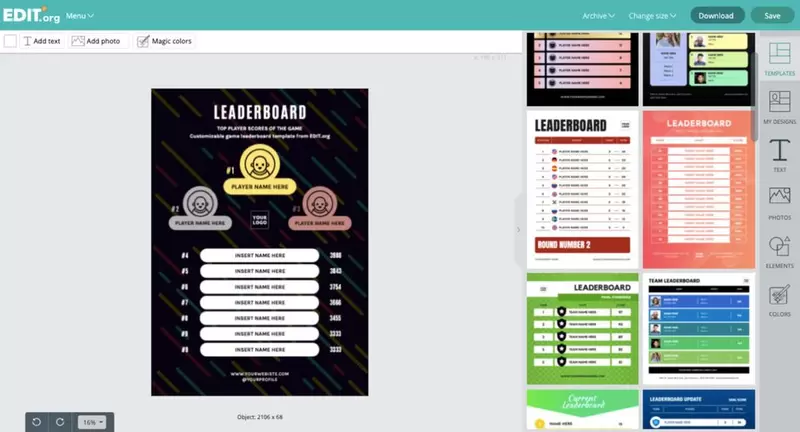
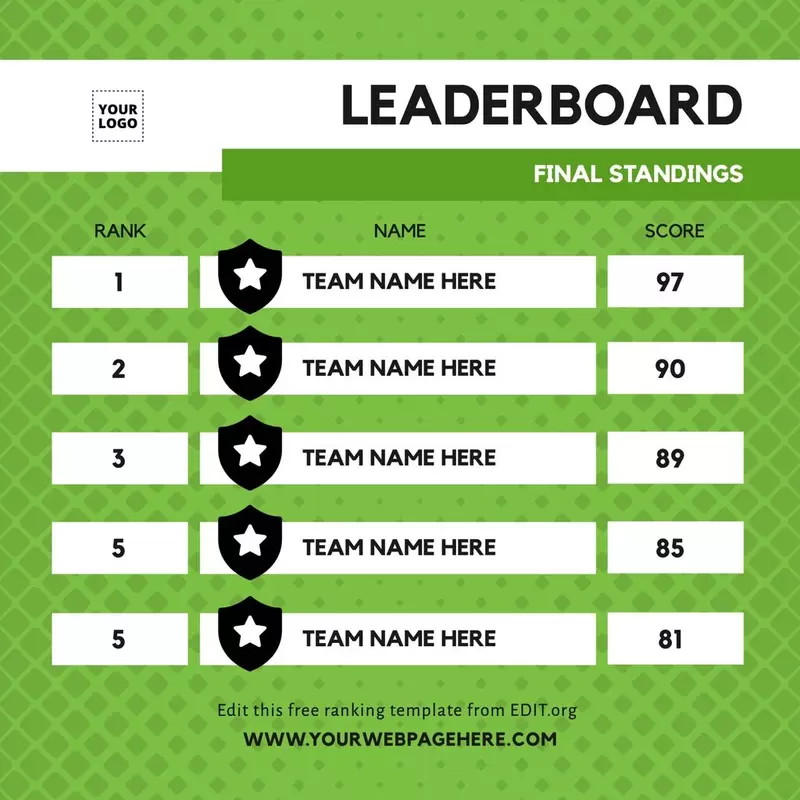
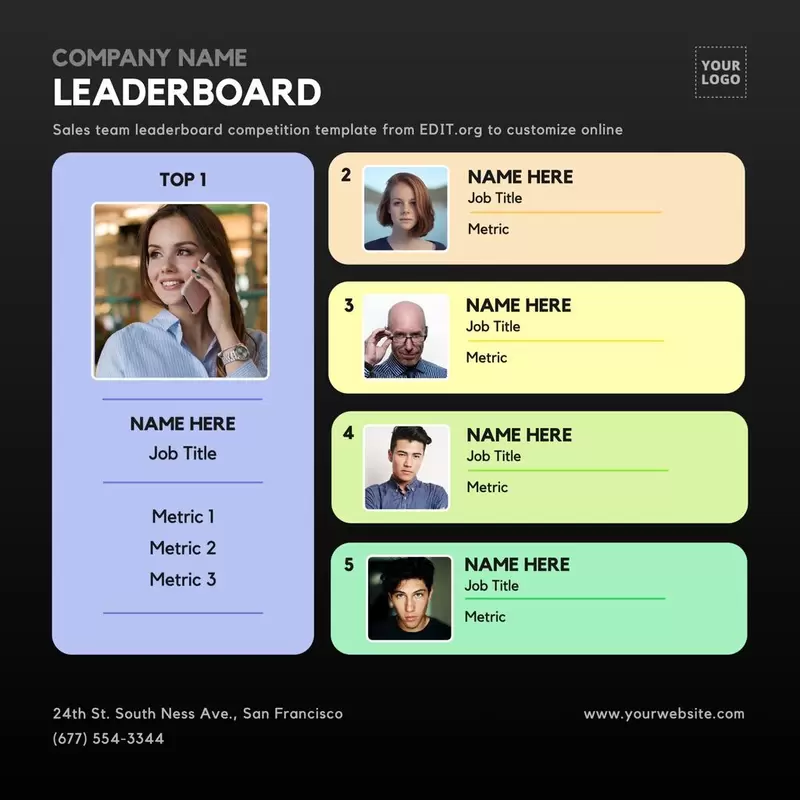
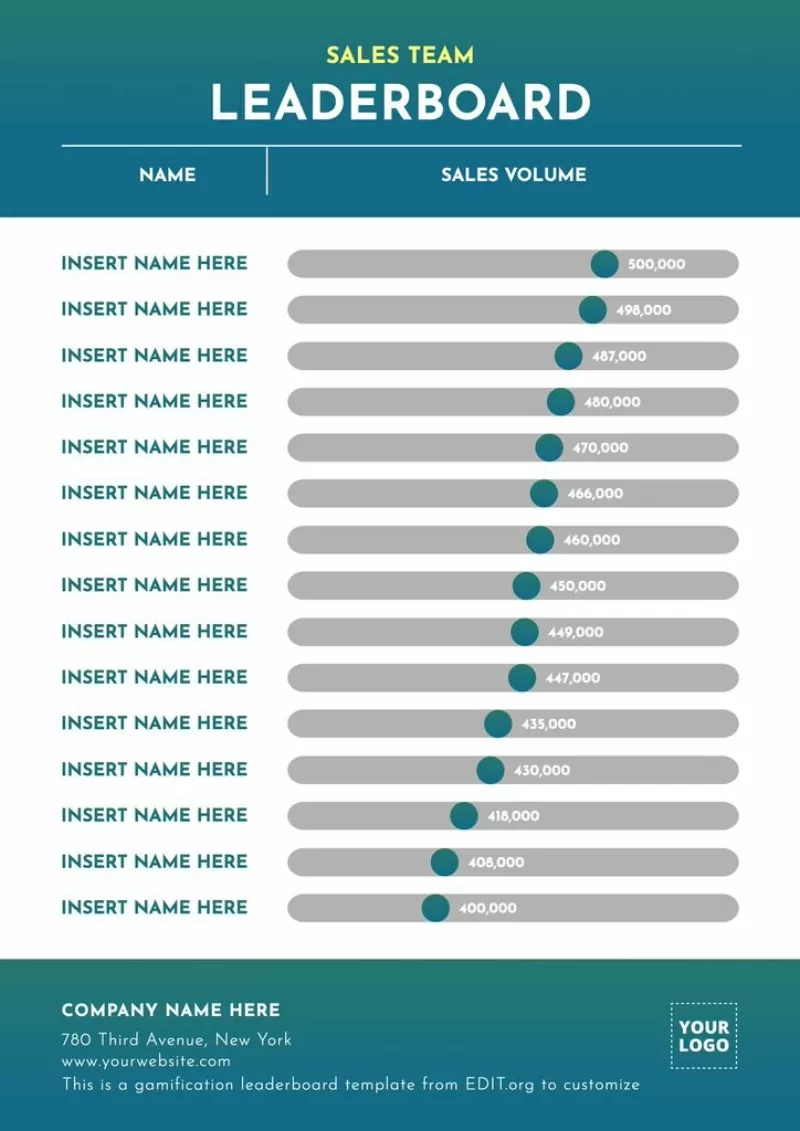
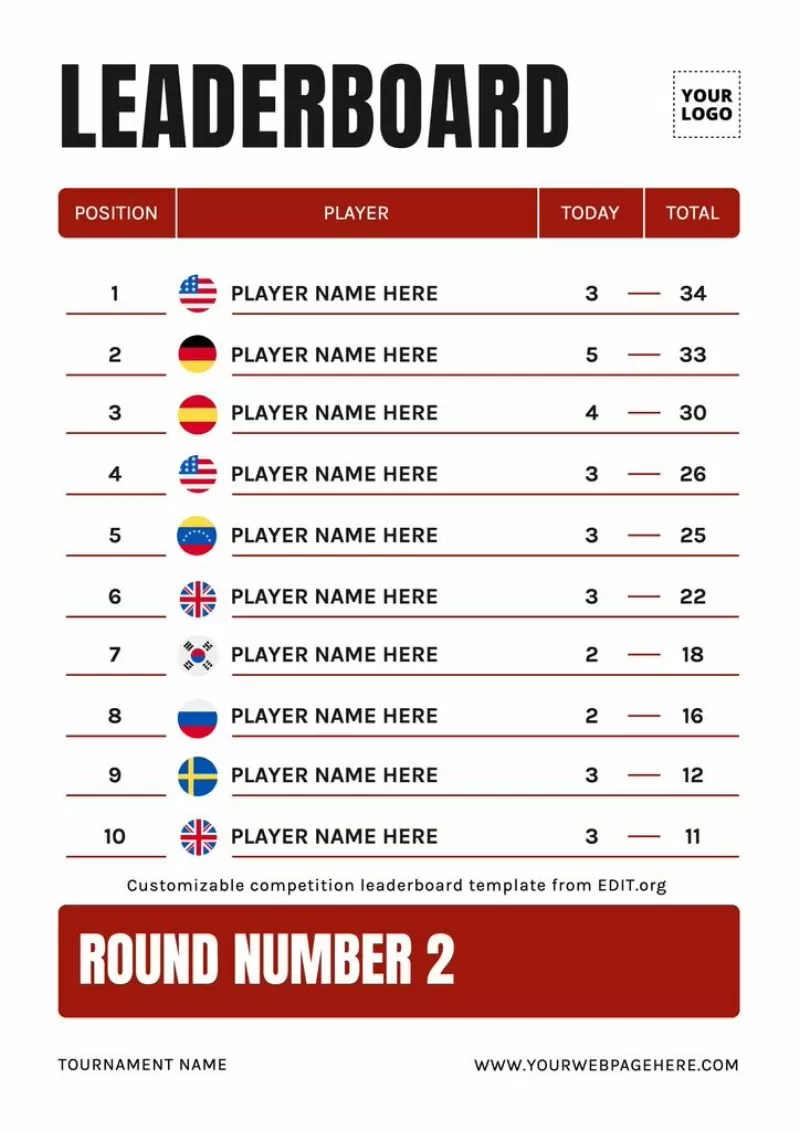
Customize a leaderboard to announce a ranking with Edit.org's free templates that you can edit in just a few minutes.
Create a leaderboard for your company or sports club
Leaderboards with points rankings can be very useful for both companies and sports clubs, as they're a practical way to make a visual summary of players' or workers' results. This format gives information on how the competition has gone and summarizes the final results. Also, it's useful to communicate what each individual has achieved, as motivation for everyone.
On Edit.org, you can create your own position rankings with free and fully customizable online templates, which you can easily adapt to your company or sports club's needs in a few clicks.
How to edit a free ranking template with the graphic editor Edit.org
- Click on an image in this article or go to the editor to get started.
- Select the leaderboard you like best.
- Customize the layout with your own images, text, and other elements of your choice.
- Save the layout.
- Download the design to share on social networks or print out.
Free leaderboard templates to share online
Leaderboards are very useful to measure players or workers' participation and involvement, as well as to create a healthy competitive environment where the best results are rewarded. If this is the case for your company, have a look at the free employee of the month templates that you can easily edit. If you're interested in sports leaderboards, you'll also find templates to share the results of a game and designs to announce tournaments.
Edit an online sports ranking chart template
On a visual level, publishing results tables allows you to quickly and easily show how the results have been obtained. It's crucial not only to include the team or player's name, but also an image and a highlighted metric (goals, points, baskets, seconds, etc.). In the case of a company, insert the corresponding indicators: points, goals achieved, new clients, etc. In addition, if it's a large company, add the person's department or country.
In any case, it's advisable to include a congratulatory comment for the winners, as well as an inspirational quote so that other employees are motivated to catch up with the others. Giving positive feedback to everyone is important, since the goal of this format is to promote a friendly environment for individuals to improve their performance and see their development over time. Finally, remember to add your corporate colors, as well as your logo.
Use leaderboard templates to motivate your team
At Edit.org, we help you make the final design completely adapted to your company, so you can edit the template as much as you want and incorporate everything you need. On the editor, you can create copies of the same one or edit it again whenever you want. This way, you can reuse the same design as many times as you want by just changing the fields that are strictly necessary, which will help you to optimize your time. At the end, you can print the final result in maximum quality or share it online.
Start now to edit a leaderboard template with Edit.org designs.
Elevate Your Game: The HSPE Legend V3 Shader Guide If you want to turn into a cinematic experience, the HSPE Legend V3 shader is one of the most powerful tools available. This ultra-realistic shader pack focuses on dramatic lighting and environmental effects that push mobile hardware to its limits. Key Features of HSPE Legend V3
: While HSPE Legend V3 focuses on realism, other variants like the Enchanted HSPE Shaders (v3.5) prioritize different highlights such as glowing ores and specific sunset lighting. Explore Minecraft PE with Ultra Graphics and Ray Tracing
. It is recognized for transforming mobile gameplay with ultra-realistic visual enhancements that rival PC Java shaders. Technical Overview
Let me know which you play on so I can provide the right steps!
They emerged from the tunnel on the wrong side of the city, upside-down, tires smoking. Hana righted them with a torque vectoring maneuver that should have snapped every axle. hspe legend v3
For engineers dealing with aggressive fluids or saline environments, this is a game-changer. The v3 resists pitting and crevice corrosion significantly better than the industry standard, extending the lifecycle of the system and reducing the frequency of maintenance cycles.
Because HSPE Legend V3 shifts massive visual computational tasks onto device hardware, performance optimization varies heavily across devices. Device Tier Expected Frame Rates (FPS) Recommended Settings
The foundational upgrade in Legend V3 centers on its integrated protocols. Instead of appearing flat, surfaces like stone, brick, and iron blocks interact naturally with passing light sources. The engine calculates light behavior based on texture depth. This creates realistic micro-shadows along block crevices and allows metallic surfaces to reflect sharp angles while coarser blocks scatter light softly across their surface area. 2. The Revamped Fluid Simulation Engine
To fine-tune frame pacing while maintaining the core visual benefits of the Legend V3 engine, execute the following configuration adjustments: Elevate Your Game: The HSPE Legend V3 Shader
The V3 introduces an updated digital or mechanical interface (depending on the specific configuration) that allows for more granular control. In the V3, the response time has been reduced to near-zero, ensuring that every user input is reflected instantaneously. Key Specifications
Because HSPE Legend V3 drives intense graphic rendering pipelines over mobile chipsets, matching your system settings to your hardware capabilities prevents heavy thermal throttling and severe frame drops. Hardware Tier Performance Expectations
: Users on medium-range devices may experience significant lag and may need to lower render distances to maintain playable frame rates. Quality Presets
Watch these showcases to see the HSPE Legend V3 shader's realistic lighting and water effects in action: HSPE Legend V3 Ultra Shader for Minecraft 52K views · 7 months ago TikTok · d.newbie Explore Minecraft PE with Ultra Graphics and Ray Tracing
Deep dimension color overhaul, self-illuminated emissive glowing ores Core Visual Feature Breakdown 1. Advanced Physically Based Rendering (PBR) & Mapping
: Go to Settings > Global Resources > My Packs . Select HSPE Legend V3 and click Activate .
If your goal is to "prepare" the digital environment with this shader: File Format : Ensure you have the